

☀ Sol Reference Check
Meet Sol, our AI agent designed to simplify reference verification for your hiring process. Sol automatically contacts candidates to request their professional references, then reaches out to those references to conduct verification calls and gather insights about the candidate’s work history. All results are compiled into detailed reports accessible through your Emptor Dashboard. This guide will walk you through how Sol works and how to effectively interpret your reference reports.
🚀 Quick start
Section titled “🚀 Quick start”- Access to Emptor Dashboard
- Candidate’s phone number with country code (WhatsApp preferred)
📍 Reminder: Remember that this process only runs the reference check. Sol will contact your candidate specifically for reference verification, not other background screening steps.
✨ How to start your first Reference Check?
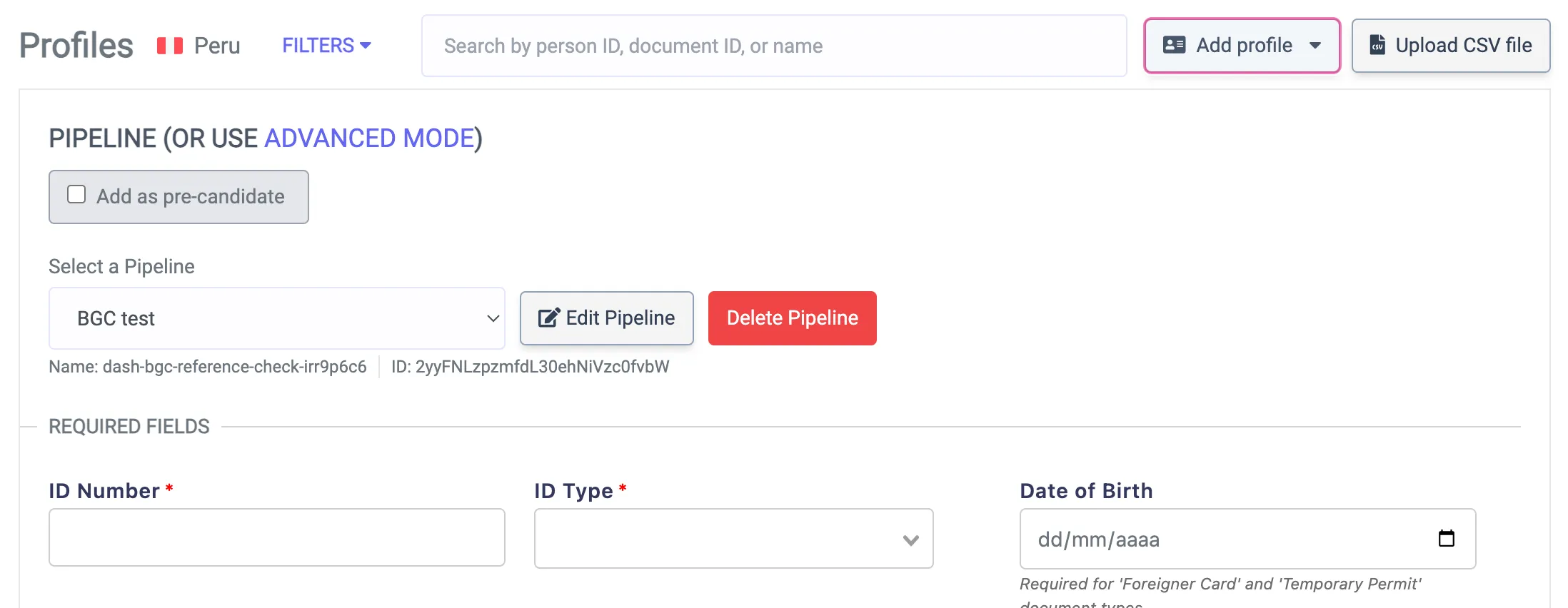
Section titled “✨ How to start your first Reference Check?”- Go to Profiles → Click “Add Profile”
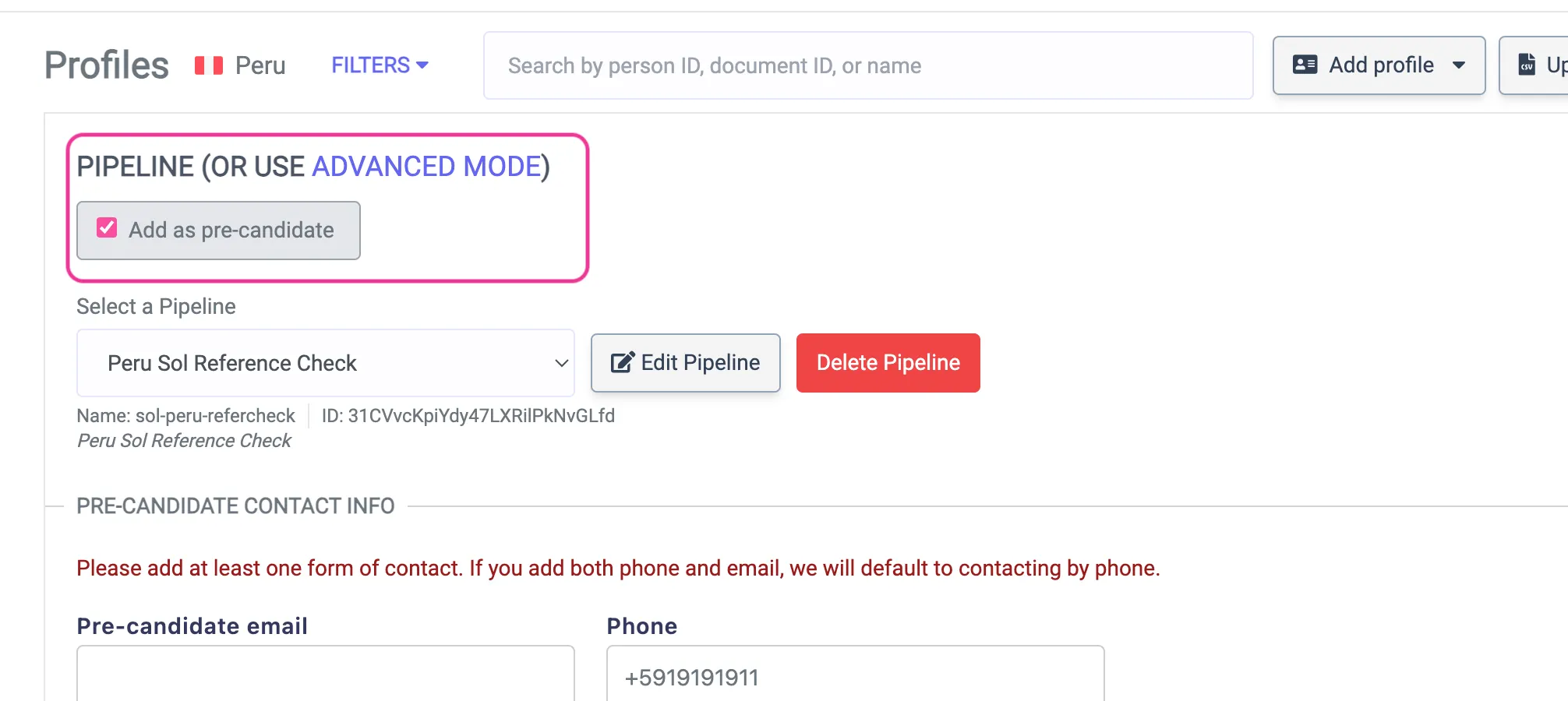
- Check “Add as pre-candidate”
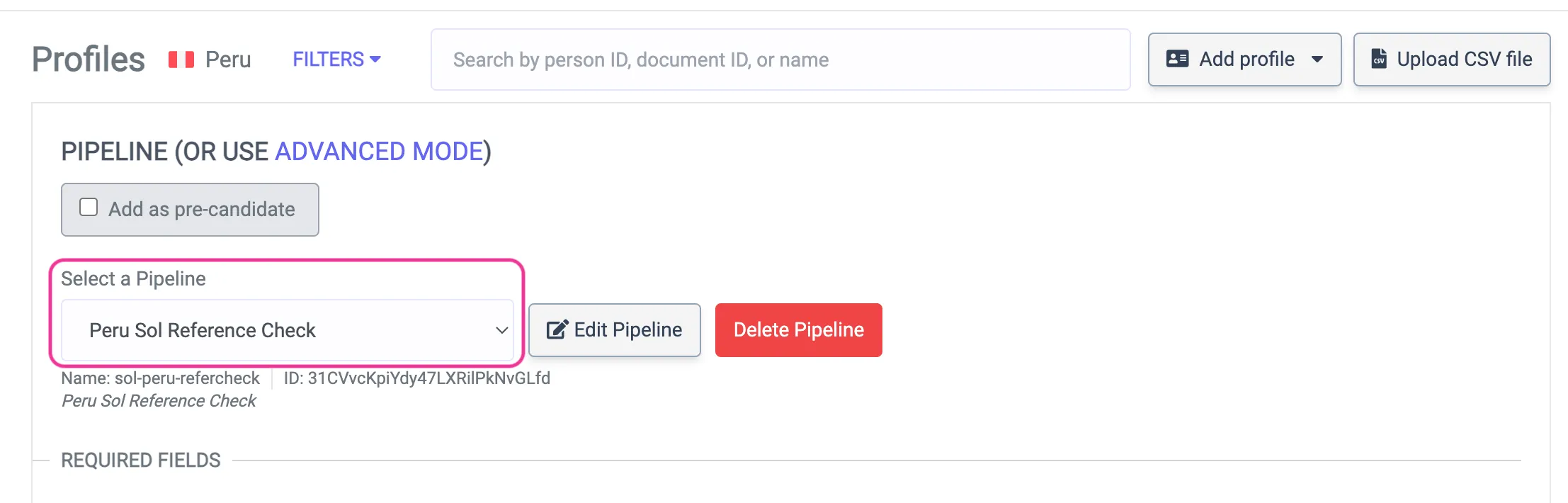
- Select the pipeline “BGC + Reference”
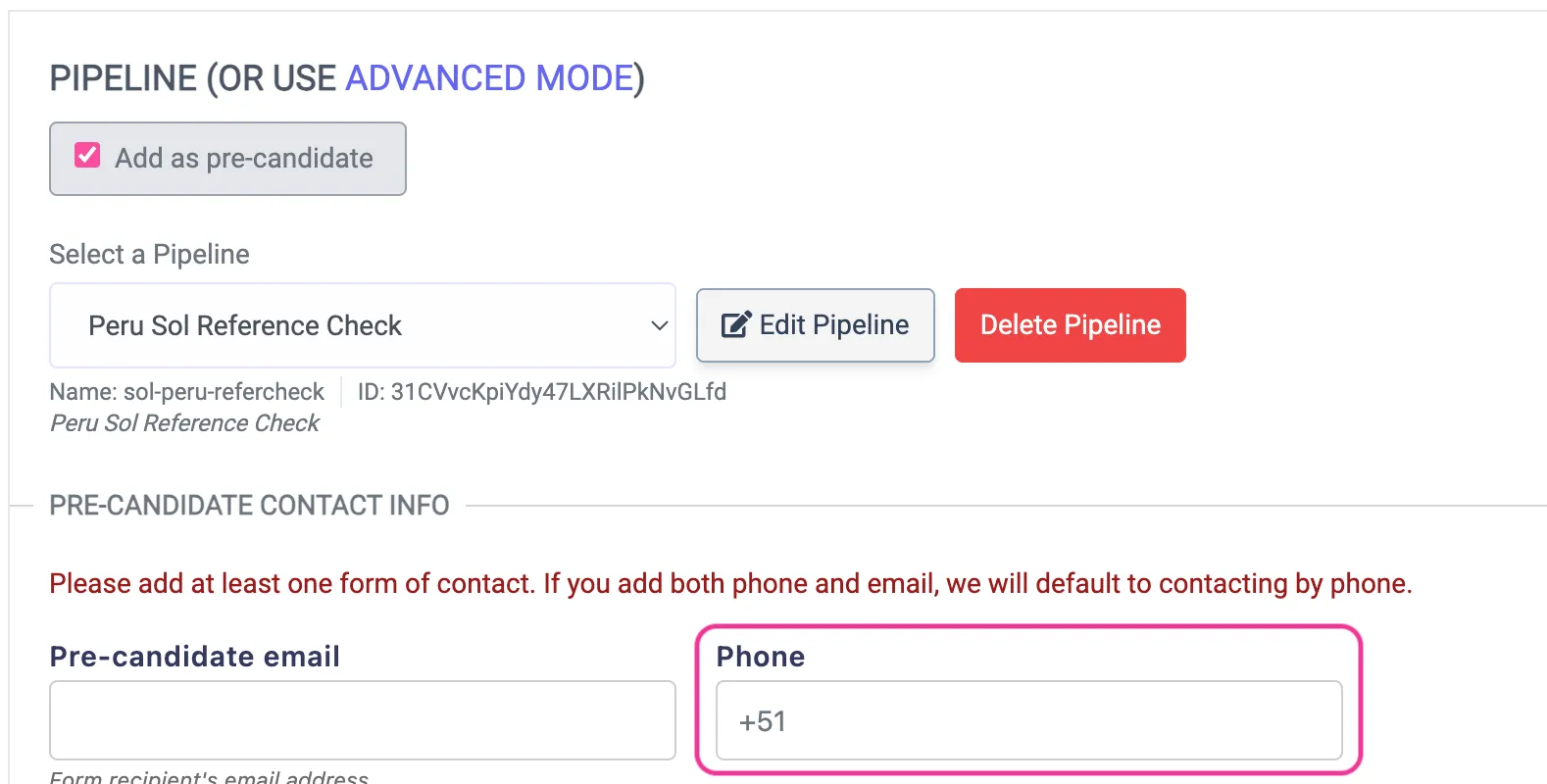
- Enter your candidate’s phone number (WhatsApp preferred and don’t forget the country code e.g: “+51 111 111 111”)
- Finally, click “Add Profile”
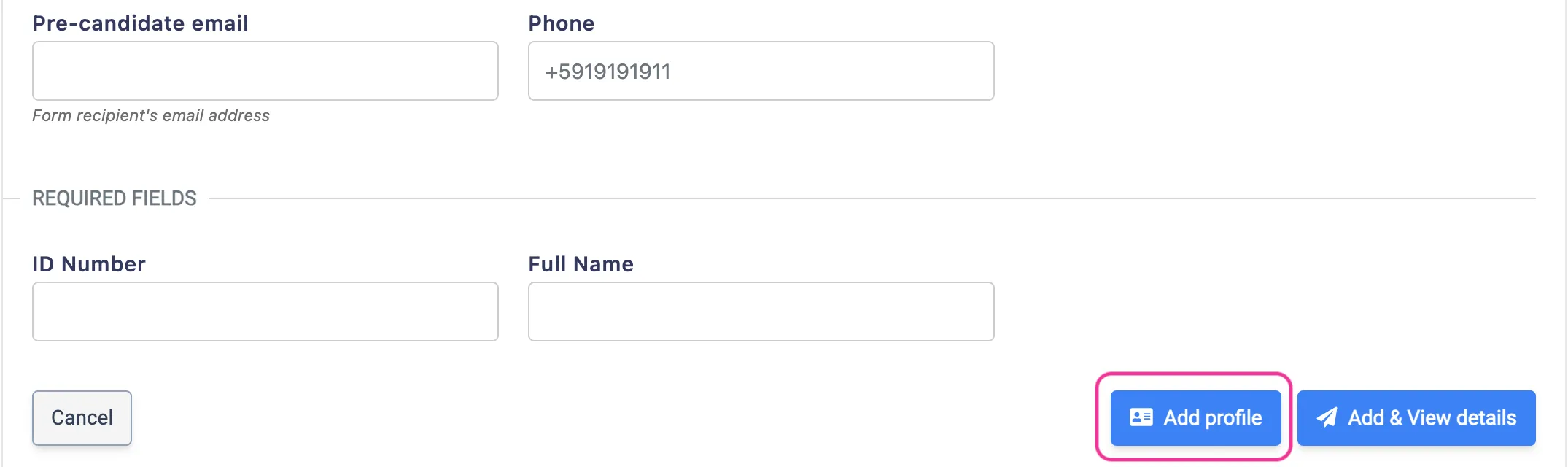
💡 Pro tip: Double-check that phone number! Sol uses WhatsApp for all outreach.
🔄 What Sol does next?
Section titled “🔄 What Sol does next?”1. Contacts your candidate📱
Section titled “1. Contacts your candidate📱”Sol sends a WhatsApp asking for:
- 1-3 professional references (name, phone, company, relationship)
2. Reaches out to references 🤝
Section titled “2. Reaches out to references 🤝”Each reference gets three simple options:
- Accept → Call within 2 hours
- Schedule → Pick another time
- Decline → Opt out completely
3. Records everything 📝
Section titled “3. Records everything 📝”- All calls recorded & transcribed
- Auto-tagged with date/time/duration
- Results appear in your dashboard instantly
You will see all the data in your report!
📊 Understanding your report
Section titled “📊 Understanding your report”✅ Report status
Section titled “✅ Report status”The process of contacting the references will appear in the Dashboard and, the status will be always Info Only.
🔵 Info Only: Report contains reference information without specific status indicators.
📝 References overview
Section titled “📝 References overview”A summary of all references with their current status:
| Column | What it shows | Example |
|---|---|---|
| 👤 Name | Reference contact | Jon |
| 📞 Phone | Contact number | +51901000111 |
| 🤝 Relationship | Connection type | Compañero, Familiar |
| 📍 Status | Current stage | scheduled, complete |
| 📅 Call Date | Interview timing | Sep 8, 25, 7:31 PM |
| ⏱️ Duration | Call length | 12:34 or - if pending |
📍Individual reference details
Section titled “📍Individual reference details”Click any reference name to expand detailed information:
| Detail | Description | Example |
|---|---|---|
| 📱 WhatsApp Contacted | First outreach date | Sep 8, 25, 5:31 PM |
| 🔄 Call Attempts | Contact tries made | 2 attempts |
| 🗣️ Call Duration | Interview length | 15:22 |
| 📝 Summary | Concise summary of the conversation | Available when the call is completed |
| 📝 Transcript | Full conversation | Available when the call is completed |
📍Reference’s status
Section titled “📍Reference’s status”Also, there will be a detailed table of every reference contacted by Sol and its status. Here you can check what each status means:
| Status | What it means |
|---|---|
| 🔵 Scheduled | Calls booked (within 2 hours) |
| 🟠 Incomplete | Call started but not finished |
| 🟢 Complete | Reference interview done |
| 🔴 Declined | Reference opted out |
| ⚫ Failed | Couldn’t reach after multiple attempts |
5. Pro Tips
Section titled “5. Pro Tips”- Double-check the candidate’s phone number and always make sure to include the country code.
- Tell your candidate to look out for a WhatsApp from Sol. Need help? Email info@emptor.io or visit our Help Center in your dashboard, we are always happy to help!
|